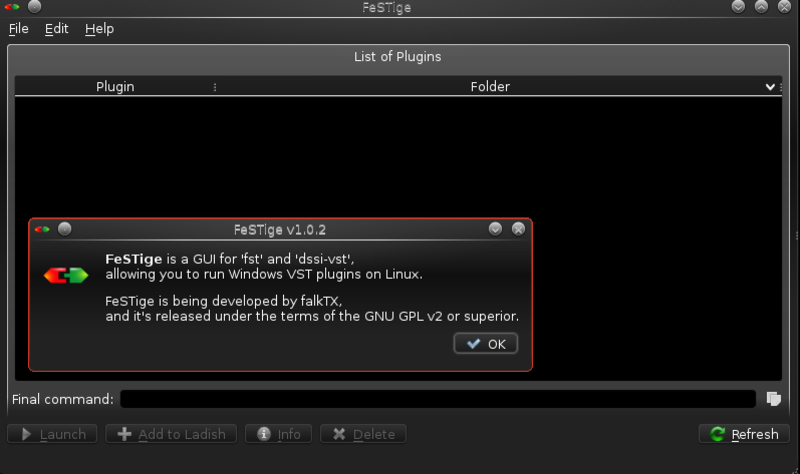
FeSTige is a GUI for fst and
dssi-vst, allowing you to run Windows VST plugins on Linux.
This is done through Wine, where the application hosts the plugin and
receives/sends audio and MIDI events through JACK.
Please note that, currently, only 32bit plugins are supported.
FeSTige scans known plugin
folders and displays a list of the available DLLs.
These "known" folders include:
A screenshot, with a few
VSTs loaded, can be seen below:
Usage
Use the menu "Edit" ->
"Preferences" to tune it to your needs.
Select a plugin from the list and click "Launch";
Or open a specific plugin using the menu "File" -> "Open" (it will open a file
browser, so you can pick a plugin that is not in the list).
The bult-in fst provides LADI
Level 1 support (Auto-Save through SIGUSR1 signal, can be disabled in the
preferences).
If you're not using ladish, you can force a plugin save using 'killall
-SIGUSR1 fst.exe.so'.
FeSTige will auto-detect the
project folder when used inside a [configured] LADI Room.
Non-ladish users can use 'FESTIGE_PROJECT_FOLDER' environment variable. Note
that this^ will only work for internal fst. For dssi-vst, using vsthost, you
cannot save at all.
Download
FeSTige is available in the
KXStudio repositories for ArchLinux and Ubuntu.
You can simply enable the repos and install it in the usual way.
For other distributions,
please check
Downloads, in the
Releases section.
Both binaries and source code are available.